Start with where the recording happens
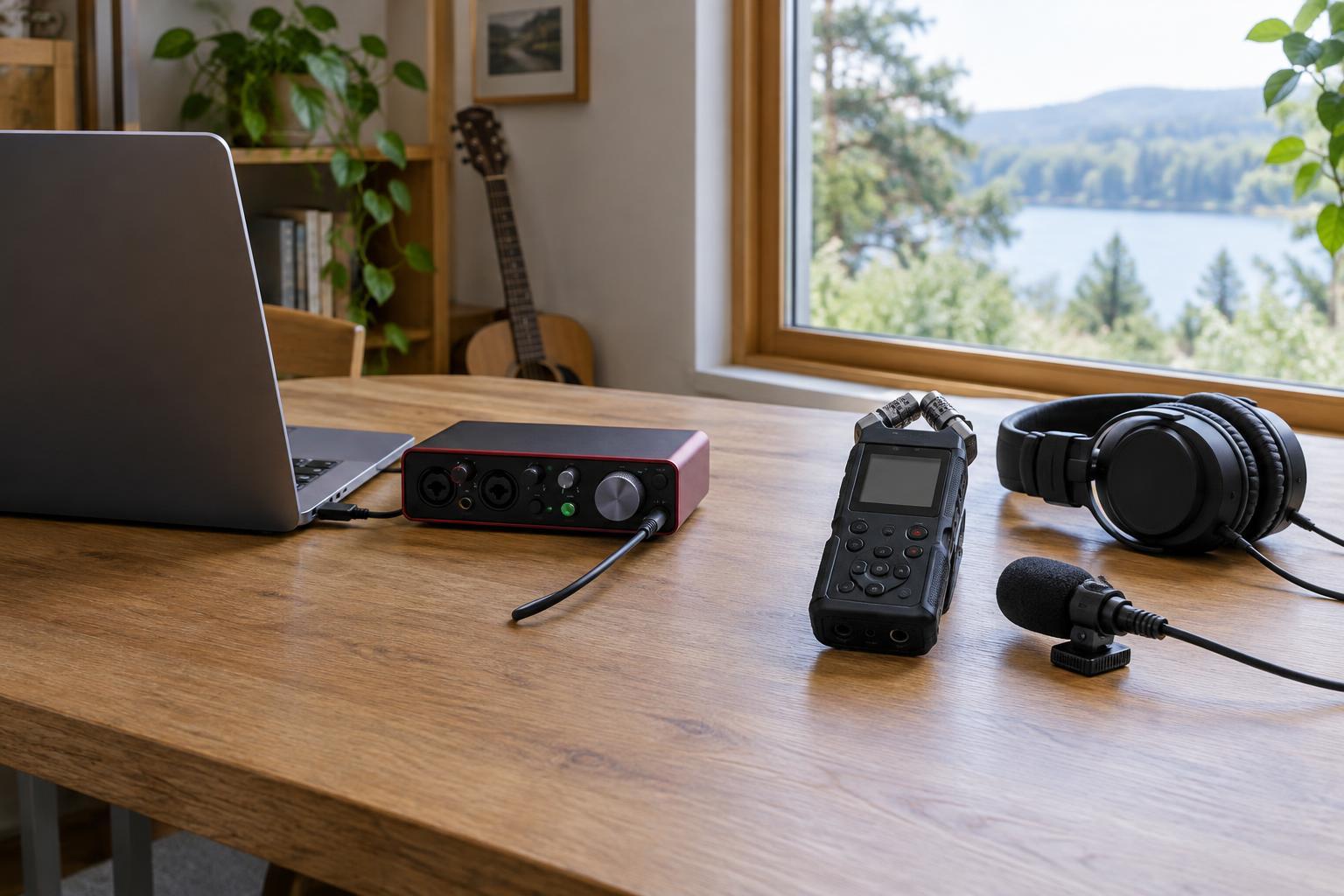
An audio interface and a portable recorder solve a similar problem: getting sound from a microphone or instrument into a digital file. The difference is what each device expects to work alongside. An audio interface usually connects to a computer, where recording software displays the incoming signal and saves the take. A portable recorder can generally capture audio on its own, storing files on removable or internal media, depending on the model.
That distinction is more useful than asking which device sounds better. If you record a voiceover at the same desk every week, an interface may make editing and file management straightforward. If you gather interviews in changing locations, a recorder may let you begin without setting up a laptop. Neither choice fixes a noisy room, poor microphone placement or a speaker who is too far from the mic.
What an interface does well
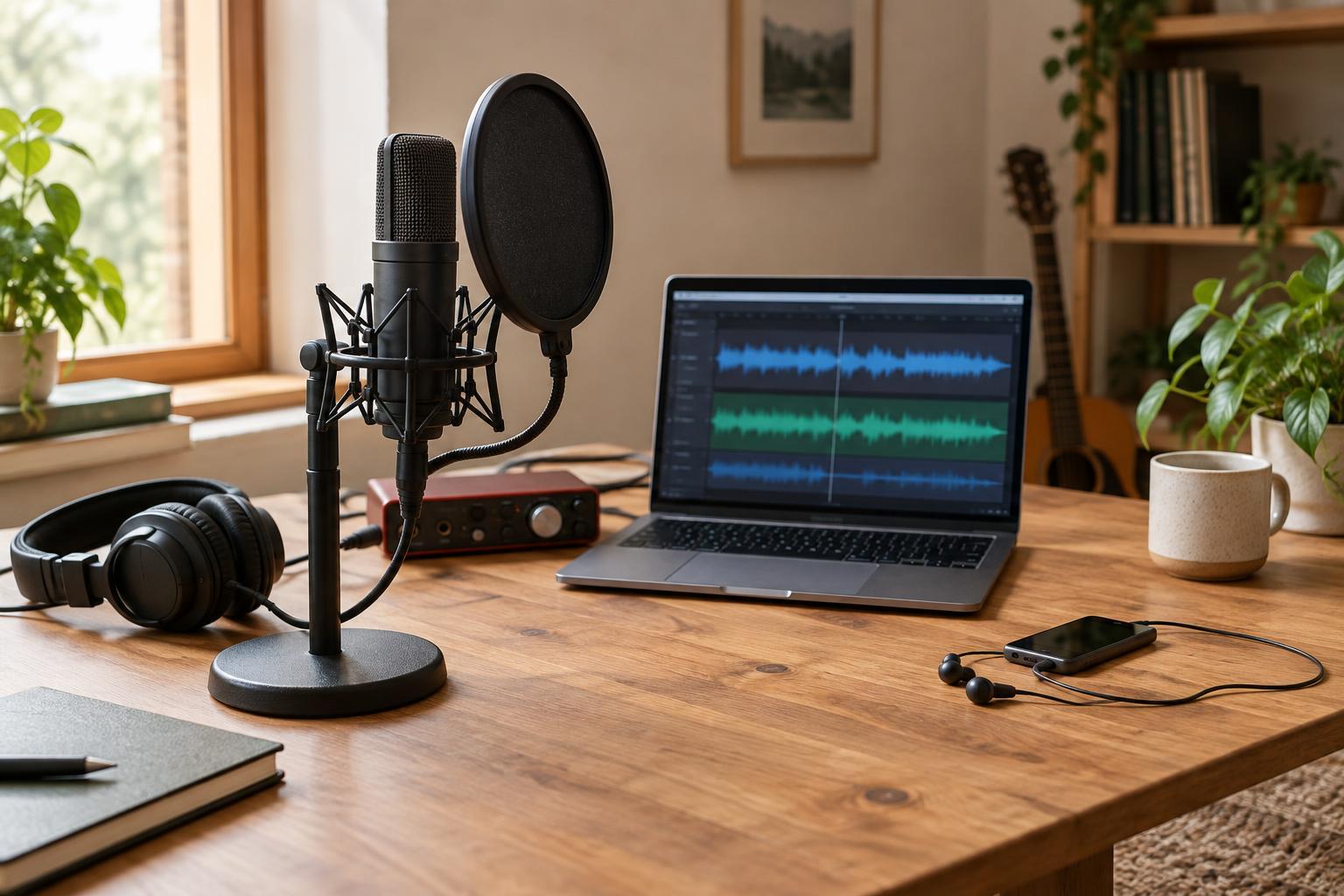
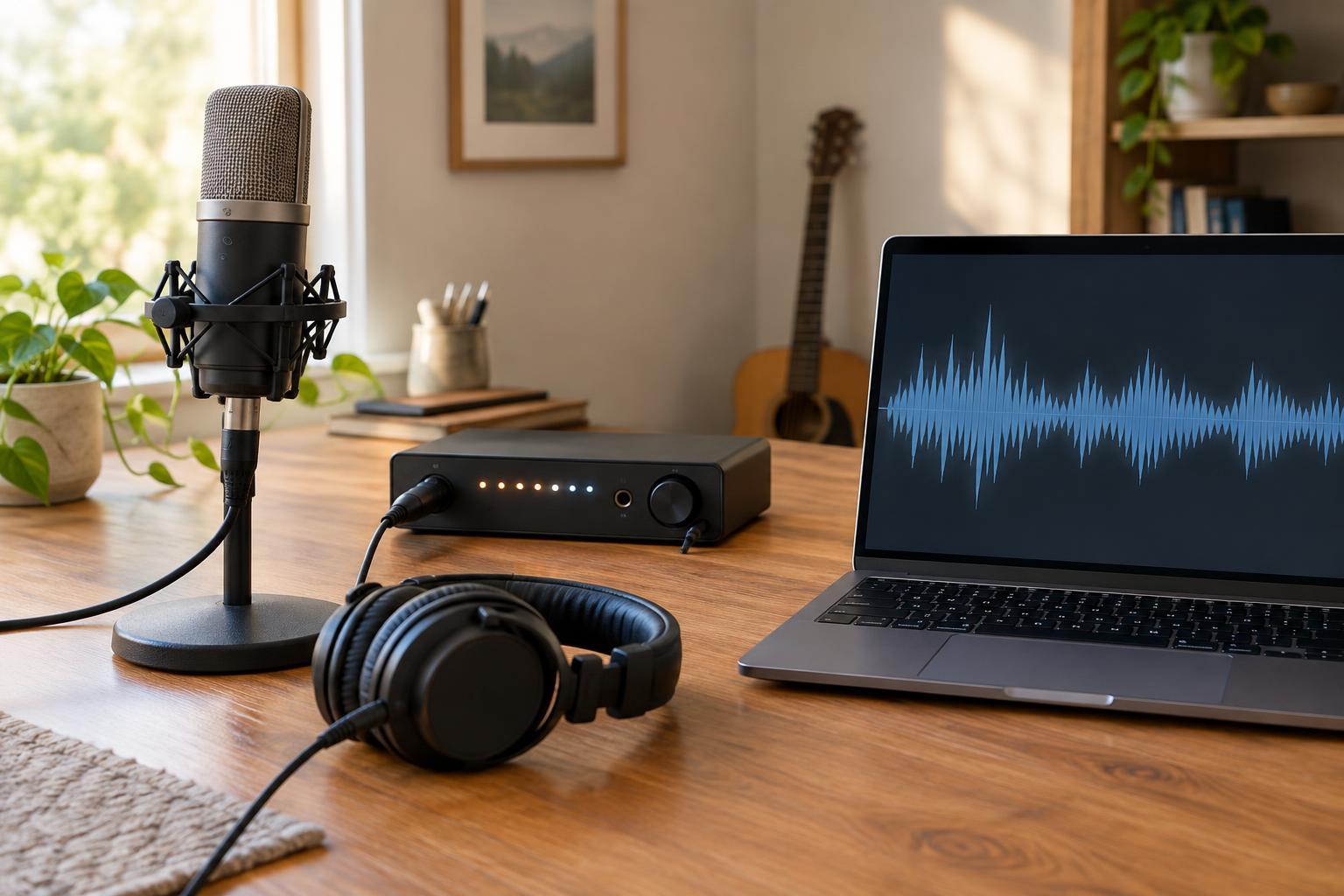
An interface fits a computer-based workflow. Connect a microphone, select the input in your recording software and watch the levels as you work. You can name tracks, record separate speakers to separate channels and move directly into editing when the session ends. For music, an interface may also provide an instrument input for a guitar or keyboard and outputs for speakers or headphones.
Check the connections rather than relying on the number printed in a product name. How many microphone inputs can you use at once? Does the device provide phantom power if your microphone requires it? Can you listen through headphones while recording, and does it offer direct monitoring to avoid a distracting delay in your own voice? Those details matter more than having a long list of features you will not use.
The trade-off is the computer-centered setup. You need compatible software, available ports and a place to put the machine. In a controlled workspace that may be no trouble at all. In a crowded venue or on a walk, it can be more equipment than the conversation needs.
What a portable recorder does well
A portable recorder makes sense when the recording location leads the project. Many models have built-in microphones, so you can capture an ambient sound or a quick spoken note without attaching anything else. Others also accept external microphones, which can help you place the mic closer to a speaker while keeping the recorder within reach. Battery operation can be especially useful away from a desk, though you still need to check power and storage before leaving.
For interviews, listen through headphones and confirm that each voice reaches the recorder clearly. A recorder on the table may pick up the room as strongly as the people around it; moving a microphone closer often helps more than changing devices. If you plan to use lavalier or handheld microphones, check connector types, available inputs and any power requirements before buying. Not every recorder accepts every microphone.
A recorder also adds a transfer step. After the session, copy the files to your editing workspace and make another copy before clearing the recording media. Some portable recorders can function as computer interfaces too, but that is a model-specific feature worth verifying rather than assuming.
Compare the whole recording workflow
Picture a typical session from arrival to finished file. A solo podcast recorded at home might be simplest with a microphone, interface, headphones and computer. A neighborhood sound walk might call for a recorder with built-in microphones. A two-person interview could work with either device if it has enough suitable inputs and lets you monitor both voices. The right answer follows the session, not the label on the box.
Before choosing, count the sources you need to record simultaneously and decide whether each needs its own track. Then check how you will hear the recording, supply power and protect the files. Leave time for a short test: speak at a realistic volume, listen for hum or handling noise, and set levels with room for unexpectedly loud moments. If the signal clips while recording, turning it down later will not restore the missing detail.
Choose the setup you can use confidently
Buy for the recordings you expect to make regularly, not an imagined collection of every possible project. An interface is a strong fit when you mainly work at a computer and want a direct path into editing. A portable recorder is a strong fit when you need to travel light or capture sound away from your workstation. Either can be part of a more flexible setup later.
Whatever you choose, practice the full routine before an important session: connect the microphone, check levels through headphones, record a sample, play it back and locate the saved file. A familiar, modest setup that you can operate calmly is often more valuable than a feature-rich device you are still figuring out when someone begins to speak.