Give every recording a name you can understand later
A recorder’s default name, such as REC0007, tells you little once you have collected several interviews, voiceovers, or sound effects. Choose a naming pattern before you start a project and use it consistently. A useful pattern is date, project, subject or location, and take number: 2025-04-18_garden-story_birds_take01.wav. The date keeps sessions in order, while the take number distinguishes recordings made in quick succession.
Use short, descriptive words and a consistent date format. Hyphens and underscores can separate parts of a name without relying on spaces. Keep the original file extension, which helps software recognize the file type. If your recorder assigns names automatically, you can rename the files after copying them to your computer; first make sure each new name is unique. Avoid names that reveal sensitive details if you will share the files or folder with others.
Build a folder structure around the project
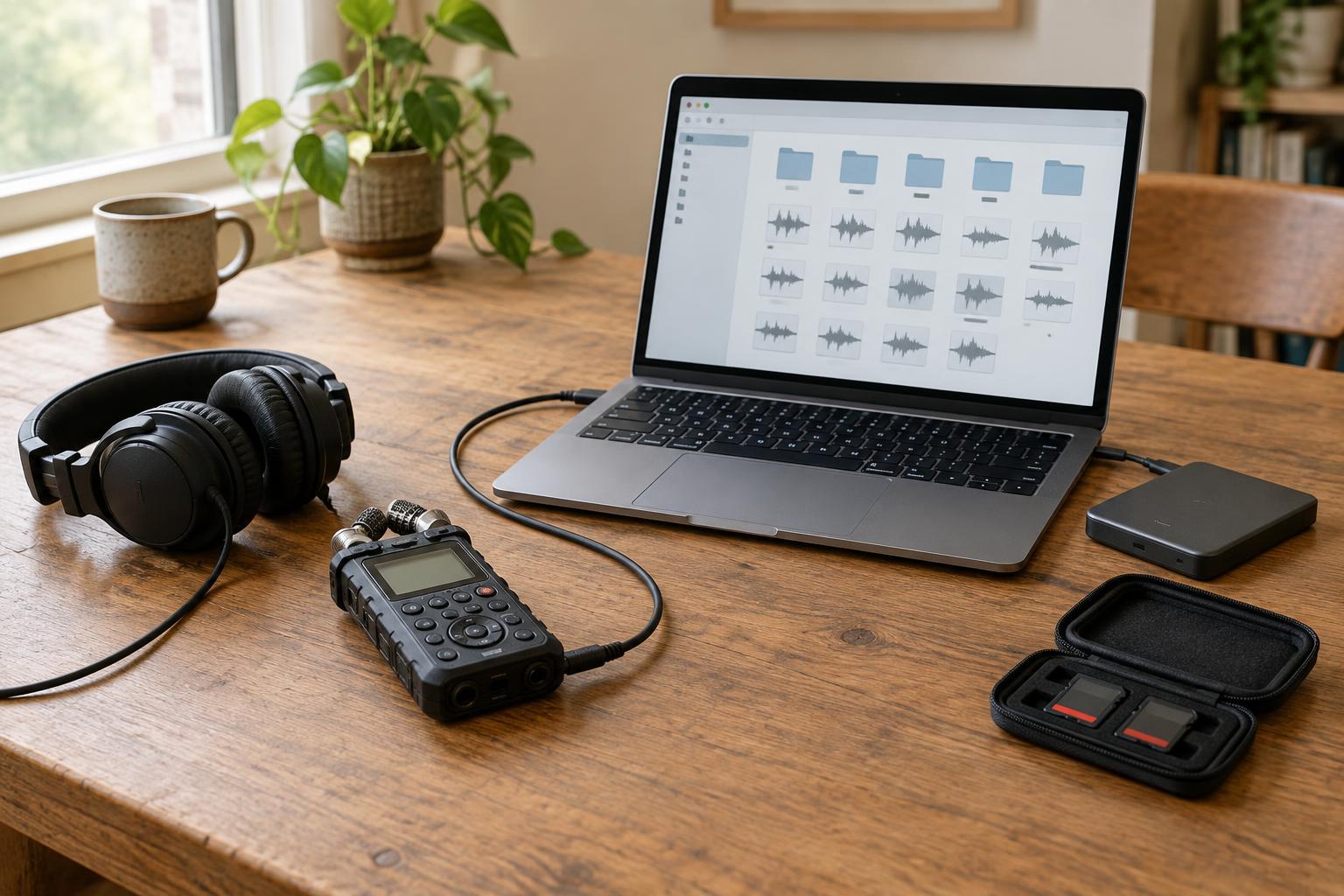
Start each story, episode, or recording job with its own project folder. Inside it, separate original recordings from working files and finished exports. For example, you might use folders called Originals, Edits, and Exports, with a Notes folder for a session log or microphone setup notes. This makes it easier to identify which files are source material and which are versions you can recreate.
Keep an untouched copy of every original recording. Do not trim a source file just to remove silence or fix a false start; make those changes in an editing session or a separate copy instead. An edit may be easy to undo today but difficult to reconstruct months later. If you record multiple people or locations, subfolders can help, but keep the structure shallow enough that you can find a file without guessing where you put it.
Save first, then confirm the transfer
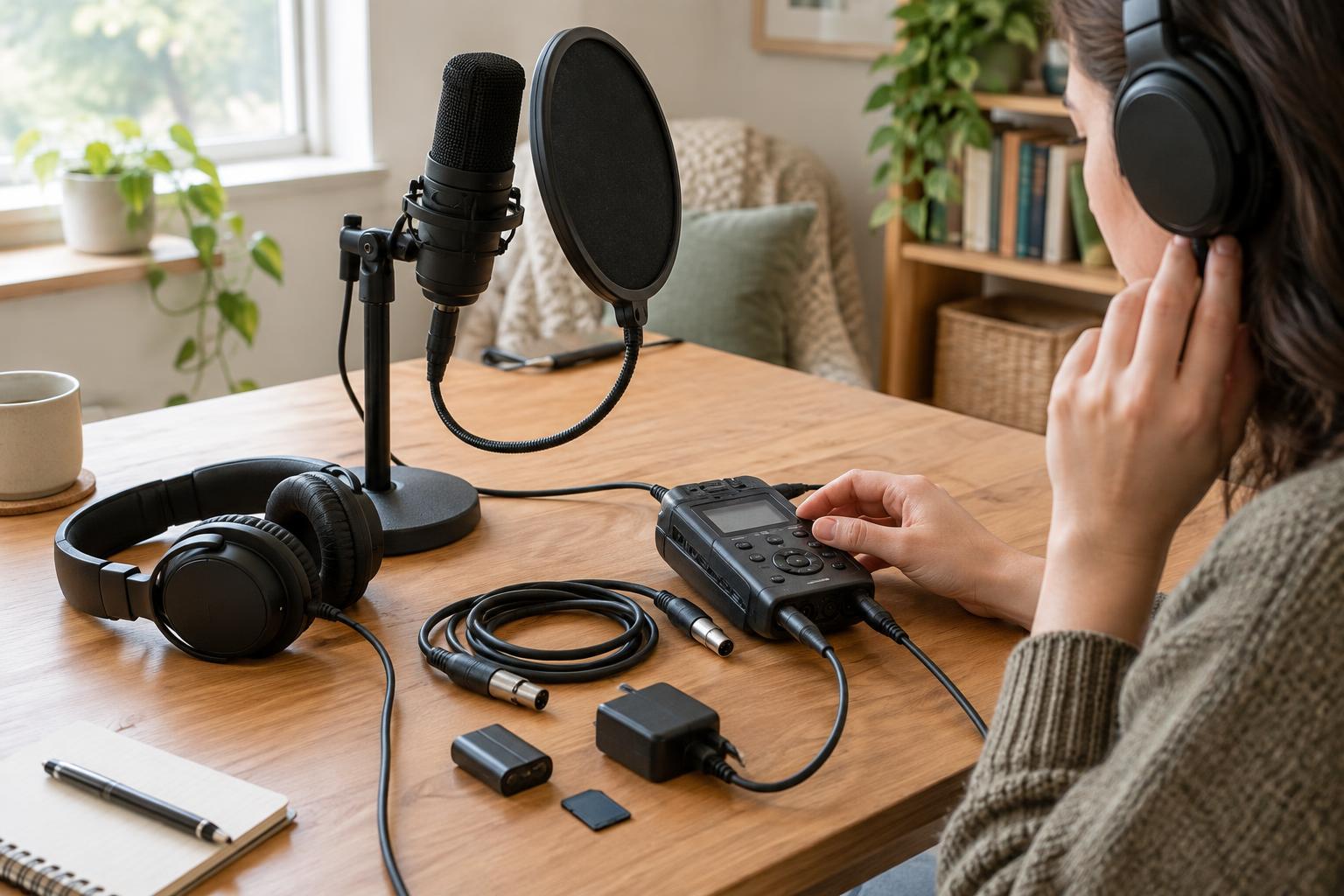
After a session, copy recordings from the recorder or memory card into the project’s Originals folder. Copy rather than move them so the card still holds the recordings while you check the transfer. Confirm that the expected files appear, that their sizes look plausible, and that you can play the beginning and another part of each important take. A visible file name alone does not prove that the audio copied correctly.
Only clear a card when you have confirmed the computer copy and made another backup. This matters especially when a recorder uses several files for one long session or stores audio in an app-specific folder. If you also use a session log, note the file names beside useful moments or retakes. That small habit saves time when you return to edit.
Keep backups in more than one place
A project folder on one computer is not a backup. Keep a second copy on another device, such as an external drive, and consider an additional copy in a separate location or a cloud storage account that suits the recordings. The copies should not all depend on the same computer or bag remaining safe. For irreplaceable interviews or performances, make the extra copy as soon as practical rather than waiting until the project is finished.
Synchronization can be convenient, but it is not always the same as a backup: an accidental deletion or unwanted change may also synchronize. Check whether your storage service keeps earlier versions or deleted files, and for how long, before relying on it. Disconnect an external backup drive when you are not using it if that fits your workflow. Whichever tools you choose, make the routine simple enough that you will repeat it after every session.
Check your copies and leave a trail for your future self
Periodically open files from the backup location, not just from the working folder. Make sure a few recordings play and that project notes and edit files are present where you expect them. For a large or especially important project, a file-copy tool that verifies copies can provide an additional check. No single check prevents every problem, so combine verification with separate copies and a consistent routine.
A brief text note in the project folder can explain the naming pattern, where the backups live, and which edit or export is the latest. If recordings involve other people, limit access to the files and choose storage settings with their privacy in mind. A dependable archive is not an elaborate one: it is a collection of clearly named originals, usable copies, and enough context to understand them when the session is no longer fresh in your memory.