Know which sound you are hearing
A plosive is a burst of air from a consonant such as “p” or “b” hitting the microphone. On playback, it often sounds like a low thump rather than an unusually loud letter. Mouth sounds are different: clicks, smacks and small wet noises can occur between words or during speech. Both can distract from a podcast, narration or interview, but they respond to different fixes.
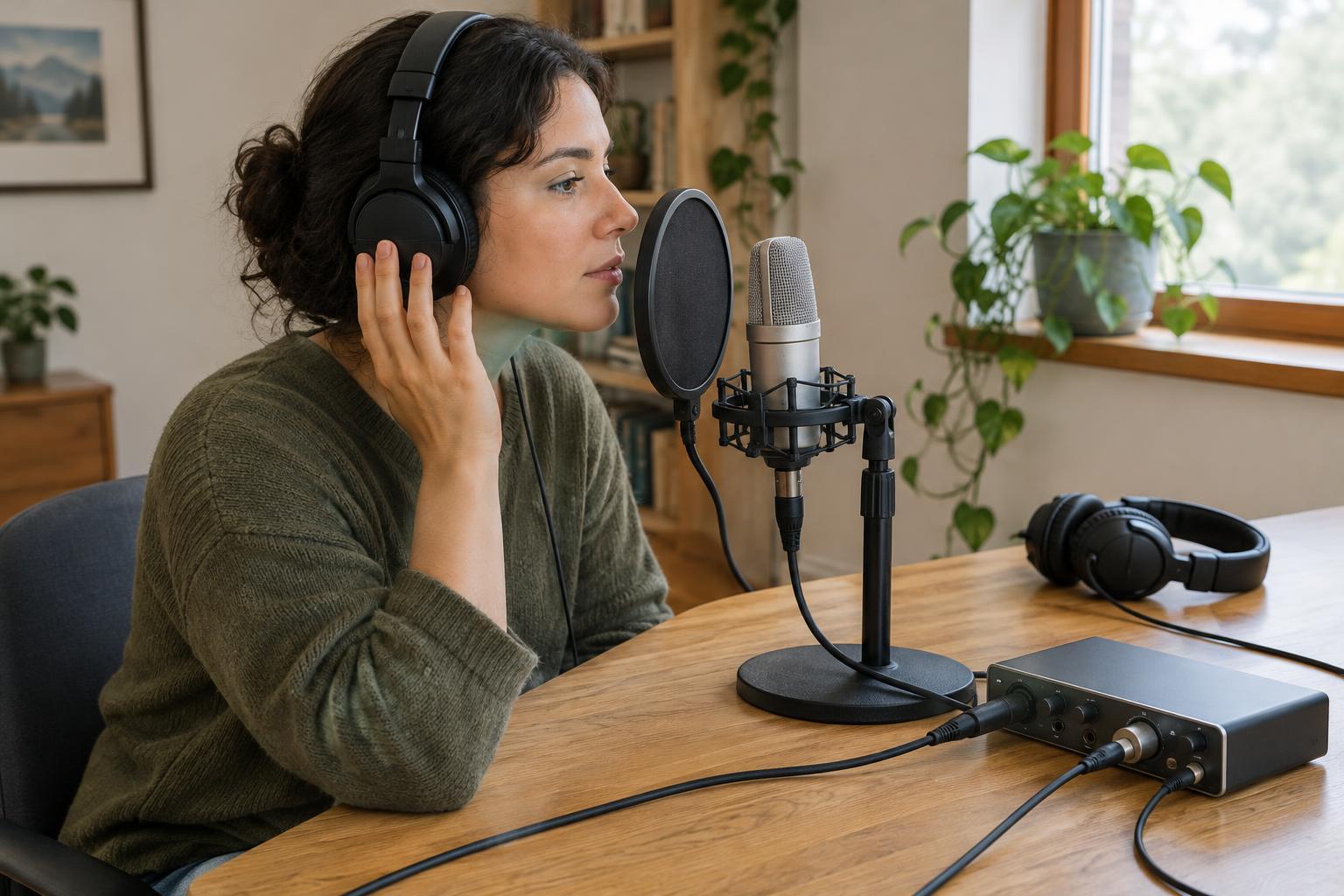
Listen to a short test recording through headphones before recording a full take. If a thump appears mainly on certain consonants, start with microphone position. If you hear clicks between phrases, pay attention to pauses and speaking comfort. Finding the pattern is more useful than immediately applying processing to the whole track.
Move the microphone out of the air stream
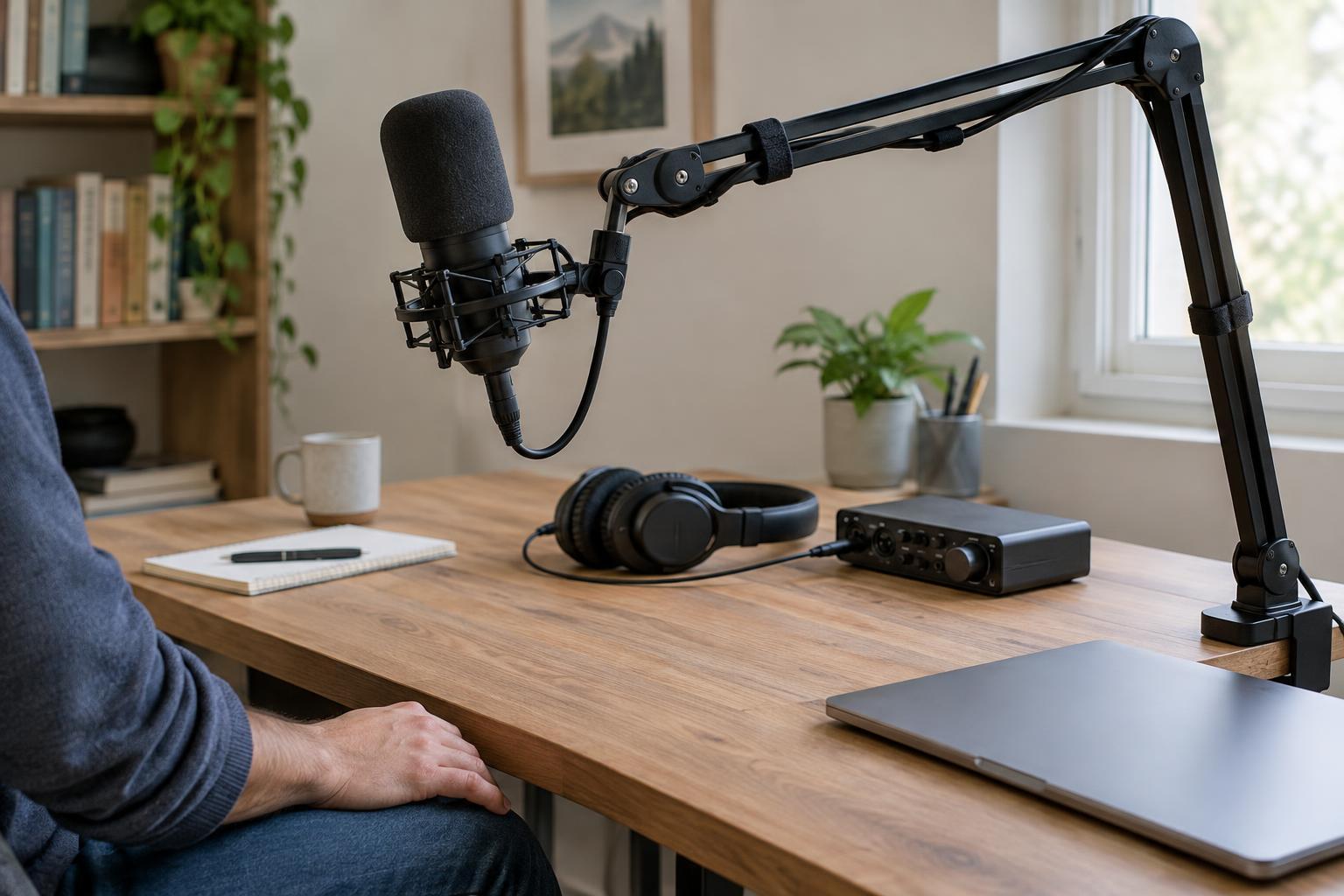
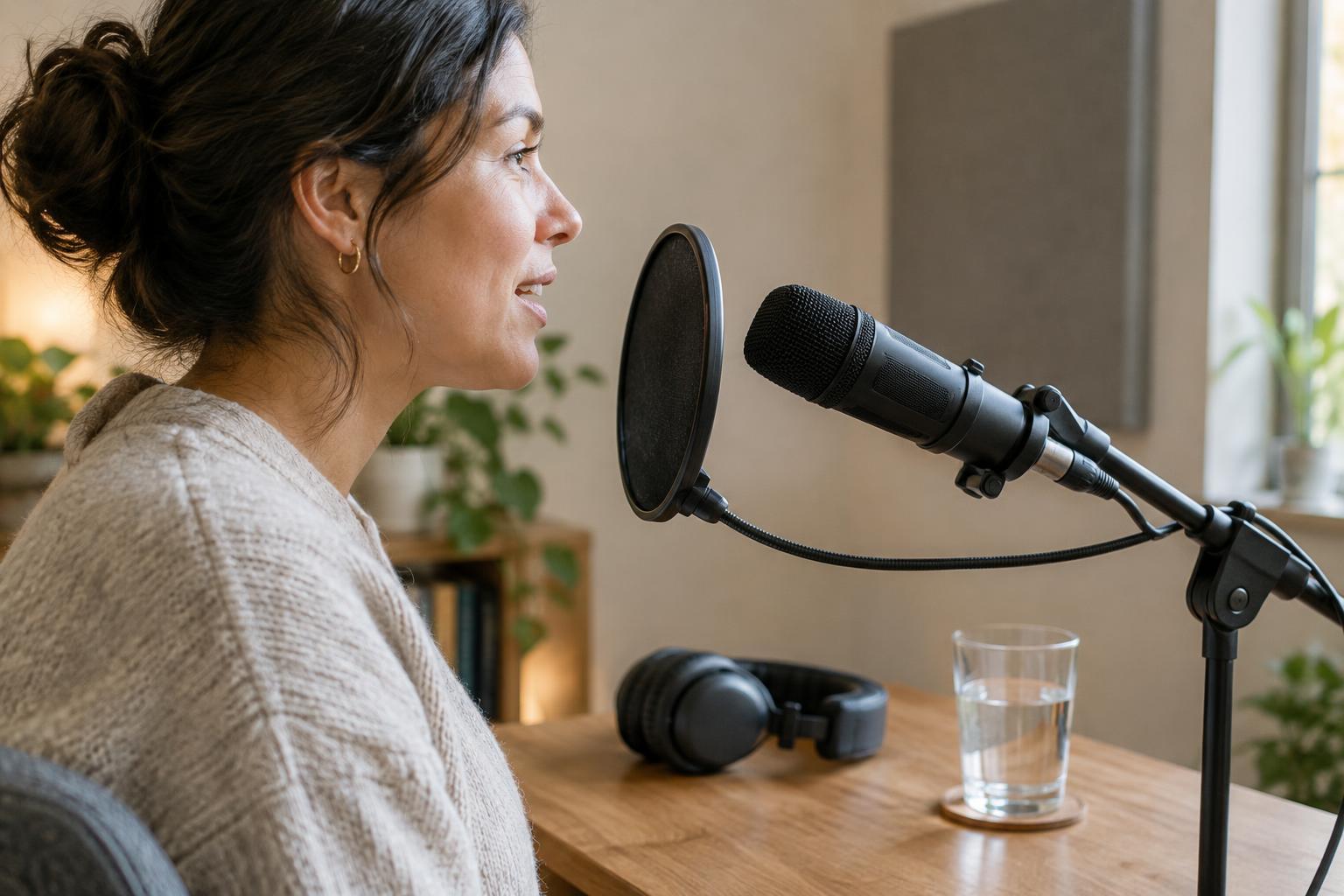
The simplest plosive fix is to avoid speaking directly into the microphone capsule. Place the mic slightly to one side of your mouth and aim it toward your face, rather than pointing it straight at your lips. You can also position it a little above or below mouth level. The goal is to capture your voice while letting the strongest burst of air pass by the mic.
A pop filter between your mouth and the microphone adds another barrier. Leave a little space on both sides of it; pressing close to the filter can still send a burst of air toward the capsule. A foam windscreen may help in some setups, though it is worth testing rather than assuming it will catch every pop.
Keep your speaking distance reasonably consistent. Moving much closer for a quiet sentence can make the next “p” surprisingly strong. Record several sentences with plosive-heavy words at your intended speaking volume, then adjust the angle and distance until the words remain clear without low thumps. There is no single distance that suits every microphone, voice and room.
Make the speaking setup comfortable
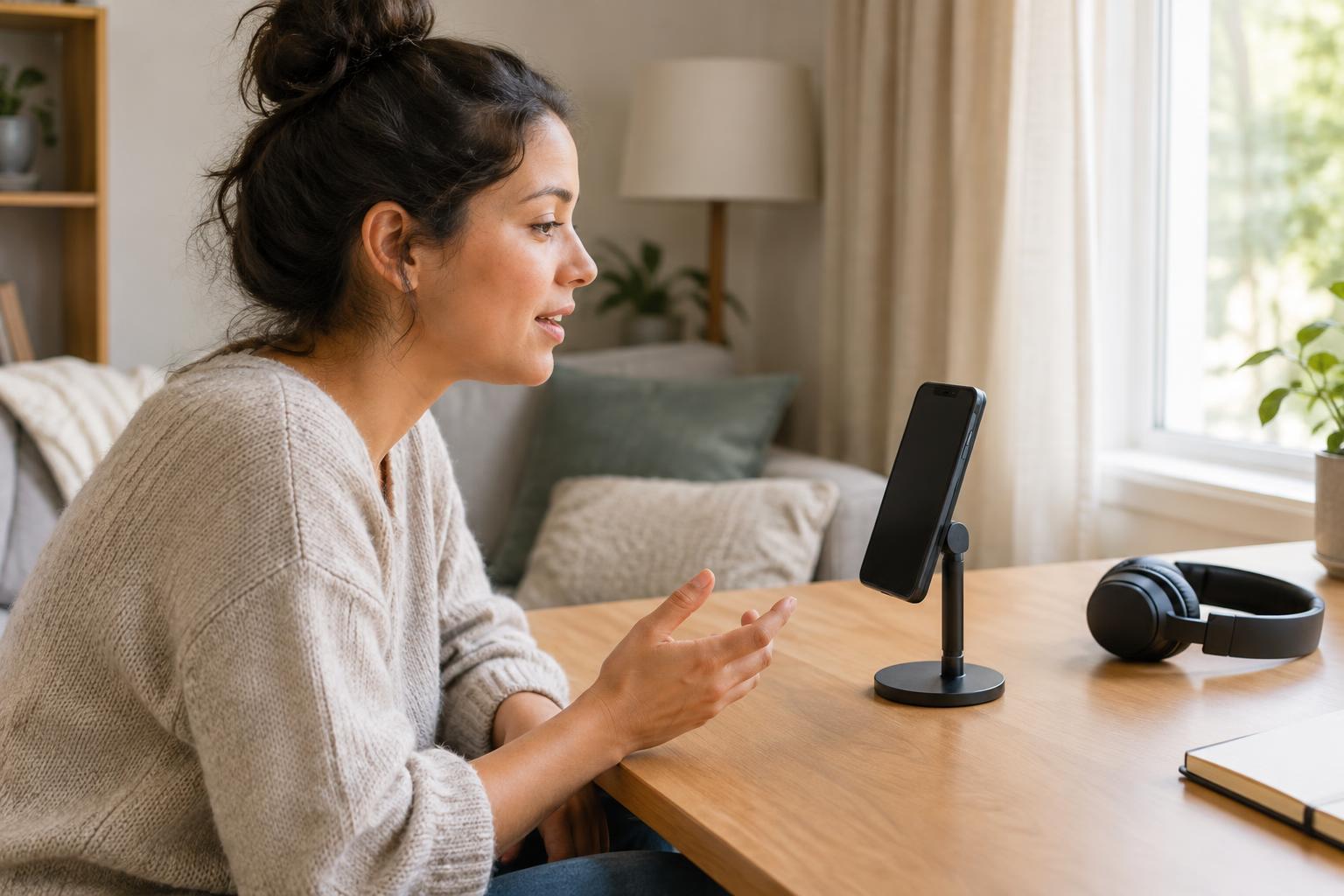
Mouth clicks can become more noticeable when a speaker feels rushed or uncomfortable. Give yourself time to settle before a take, and keep water available if it helps you speak comfortably. Avoid repeatedly clearing your mouth right next to the microphone; pause, move away if needed, and begin the sentence again. The aim is an easy, repeatable routine, not perfectly silent speech.
A relaxed pace also makes a recording easier to edit. Leave a brief pause between sections and after a stumble. In a scripted piece, mark places where you can take a natural breath instead of trying to deliver a long paragraph in one push. If you hear frequent clicks, try a short test after changing one thing—such as your pace or mic angle—so you can tell what actually helped.
For interviews, explain mic position to guests before you start and let them hear a quick playback if possible. A guest who can speak naturally at a steady distance is usually easier to record than one who is constantly trying to correct their position mid-sentence.
Record so small flaws stay small
Set your recording level with room for an unexpectedly loud word or laugh. Raising the input level does not prevent plosives or mouth clicks; it can simply make them harder to manage. If your recording app shows a waveform or meter, watch for unusually large peaks during a test take, but confirm what they are by listening.
Try to capture a clean performance rather than relying on repair tools. When a plosive disrupts a sentence, rerecording that sentence may be faster and more natural than fixing the thump. For spoken-word work, a few extra takes are useful: they give you options when an otherwise strong delivery contains a distracting click.
Edit selectively and keep the voice natural
In editing, listen in context before removing a sound. Some mouth noises are barely noticeable at normal listening volume, while aggressive cleanup can make words sound clipped. For an isolated click in a pause, a careful cut or short fade may be enough. For a click inside a word, try a suitable repair tool lightly, then replay the whole phrase to check that the consonants still sound intact.
A low-cut filter can sometimes reduce the deep rumble of a mild plosive, but a severe burst may need a local edit or a replacement take. Apply changes to the problem area where possible rather than thinning the entire voice recording to fix one word. Finish by listening through headphones at a comfortable volume. The best result is not a track with every tiny sound erased; it is one where listeners can follow the voice without being pulled away by avoidable pops and clicks.