Why record each voice locally?
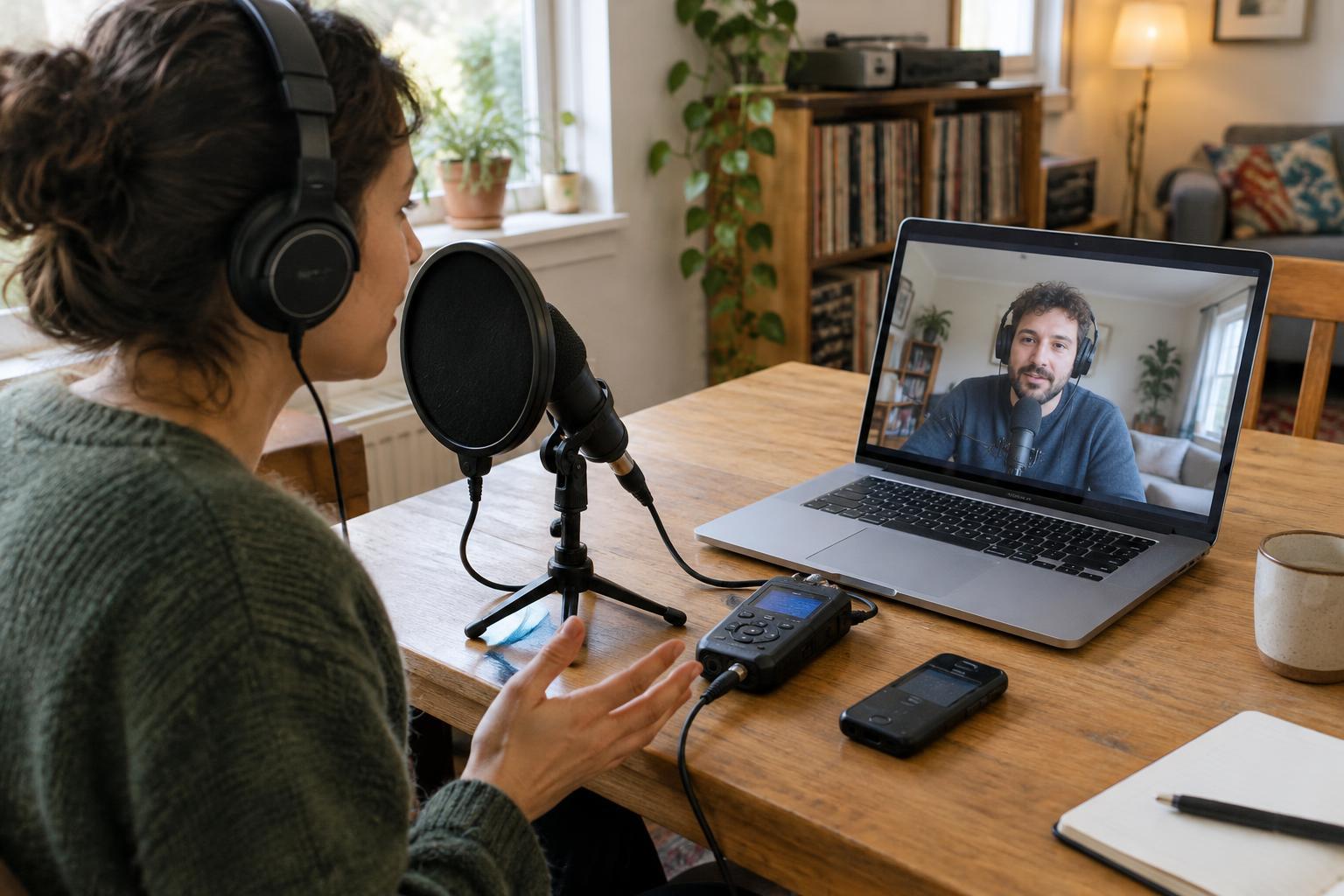
In an ordinary video call, the recording may contain only the audio that traveled through the call. A weak connection can leave voices sounding thin, choppy or briefly absent. A local recording captures a speaker’s microphone on their own device before the call connection changes it. When both people do this, the editor can work with a separate track for each voice.
This approach is sometimes called a double-ender. It does not require a studio: a quiet room, headphones and a reliable way to record are a useful start. It does require coordination. Each speaker needs to start recording, leave it running through the interview and send the resulting file afterward. Keep a recording of the call as a backup if the call service and everyone involved allow it; the backup can also help you line up the local files.
Agree on the plan before the call
Tell your guest what you intend to record, how the audio will be used and which files you need from them. Ask for their agreement before recording. Send simple instructions ahead of time rather than troubleshooting everything at the scheduled start. Specify whether they will use a computer recording app, a portable recorder or a phone. Ask them to test that the app saves a file they can find again.
Choose a file format both of you can handle. An uncompressed WAV file is convenient for editing when the recording app supports it, but a dependable recording in another common format is better than no recording. If possible, have both speakers use the same sample rate, such as 48 kHz. Different settings are manageable in many editors, but matching them can simplify the handoff. Agree on how files will be shared, and ask the guest not to delete their original until you confirm receipt.
Set up each recording space
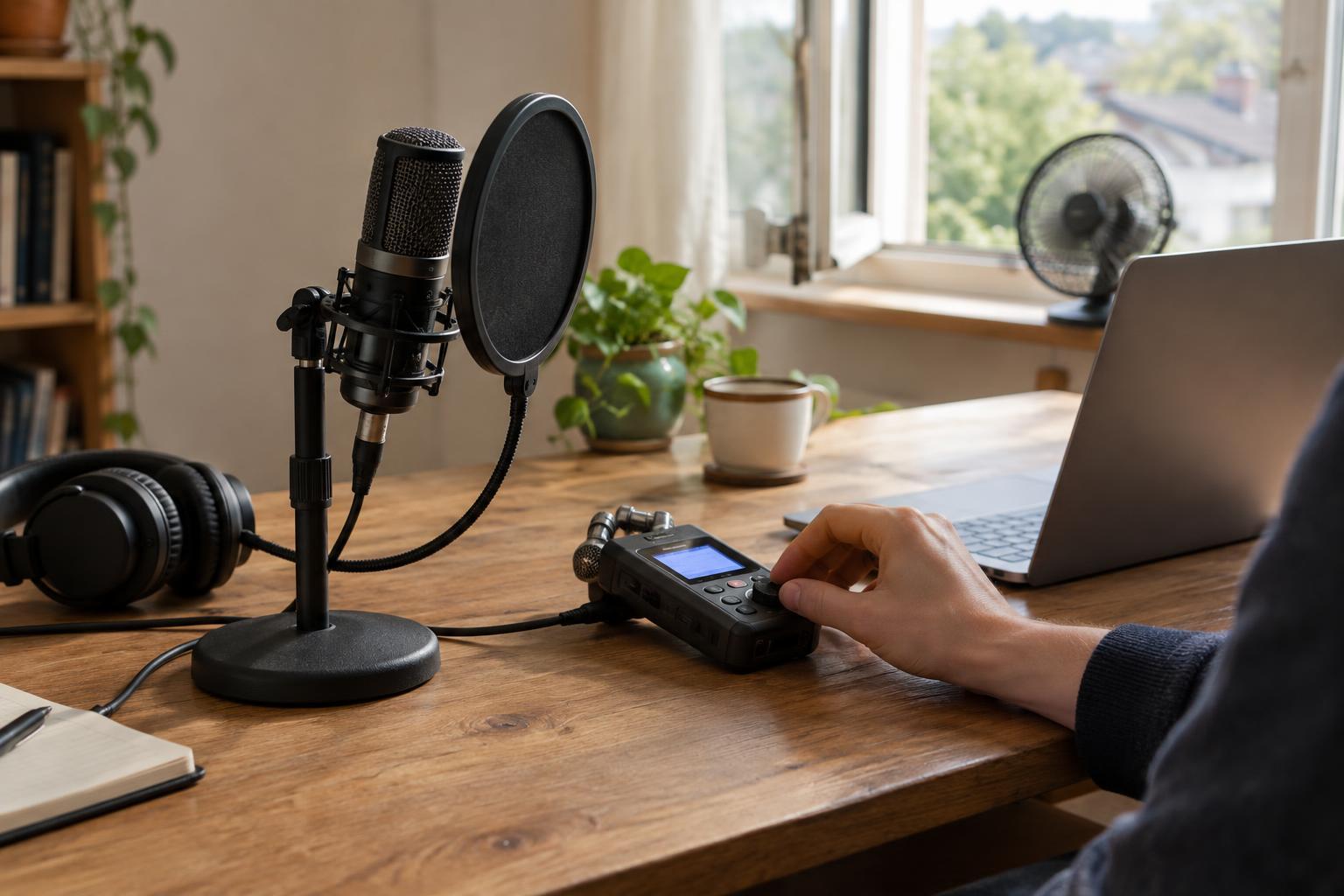
Put on headphones so the other speaker’s voice does not leak from your speakers into your microphone. Choose a room with soft furnishings if available, and turn off avoidable noise such as a nearby fan. Place the microphone at a steady distance from your mouth, slightly off to one side if breath sounds are a problem. A guest using a phone can record locally with its voice-recording app while joining the call on a separate device.
Before the interview, each person should record a short test, play it back and check for distortion, background noise and missing audio. Set the input level so normal speech is clear and louder moments do not clip. Avoid moving the microphone or changing recording settings mid-conversation. If either person must use the same device for the call and the local recording, test that both apps can access the microphone at once; some devices or apps will not permit it.
Start together and protect the take
Once everyone is ready, confirm aloud that both local recorders are running and that consent has been given. Make one short, sharp sound, such as a clap, that both microphones can hear. Its waveform gives you a visible point for syncing the files later. Then pause briefly before beginning the interview. A clear spoken introduction can also help you identify the right files if you record more than one conversation.
Leave the local recordings running during breaks unless you have agreed otherwise. Stopping and restarting creates additional pieces to organize and sync. If a connection drops, keep recording locally while you reconnect, then say aloud what happened before continuing. At the end, ask each speaker to stop and save their file, check that it plays, and send the original recording rather than an edited clip. Give files recognizable names that include the speaker’s name and interview topic.
Sync, listen and edit with care
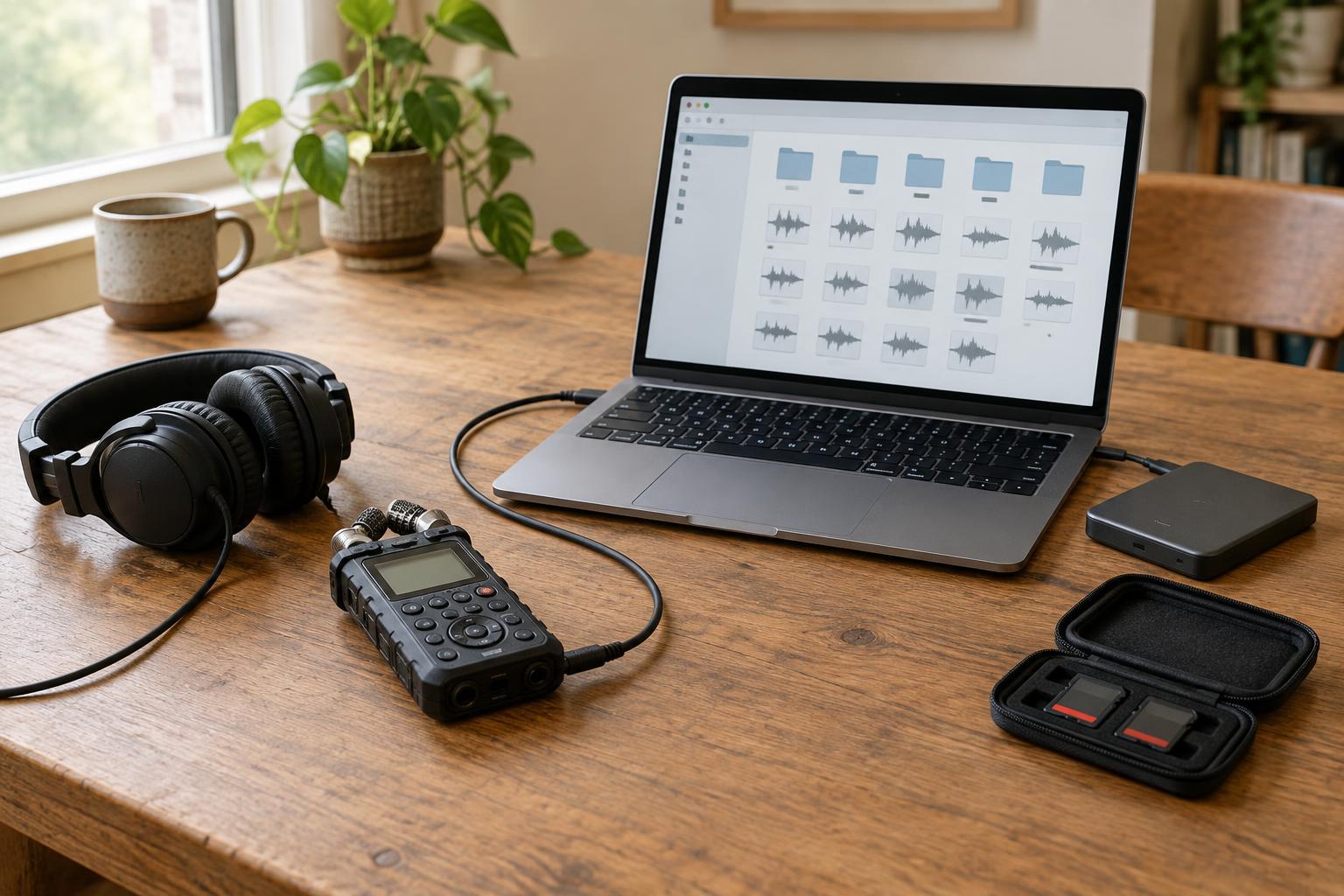
Import the files onto separate tracks in your editor. Find the clap or other shared sound and align its peaks. Mute the call backup while listening to the local tracks; use it only where needed. Check alignment again near the end of the interview, because recordings made on different devices can gradually drift apart. If they do, make a careful adjustment or split and realign a track at a natural pause.
Listen through with headphones before making detailed edits. Check for echo caused by headphone leakage, sections that went silent, and interruptions that may have been captured differently on each track. Keep the speakers’ timing natural rather than removing every breath or pause. Store the original files separately from your working edit, and share or retain them in keeping with what you told the guest. A clear plan and a short test usually do more for a remote interview than an elaborate setup nobody has practiced.