Why separate tracks help
A shared microphone can capture a conversation, but it gives you limited control afterward. If one person speaks softly and the other leans toward the mic, changing the volume affects both voices. Recording each person on a separate track lets you adjust their levels individually, remove a cough from one track while the other person talks, and make a cleaner edit when speakers overlap.
Separate tracks do not create perfect isolation. Each microphone may still pick up some of the other speaker, especially in a reflective room or when the speakers sit close together. The goal is to capture a clear, strong voice on each person’s own track while keeping that cross-pickup low enough to edit comfortably.
Choose a recording setup with two independent inputs
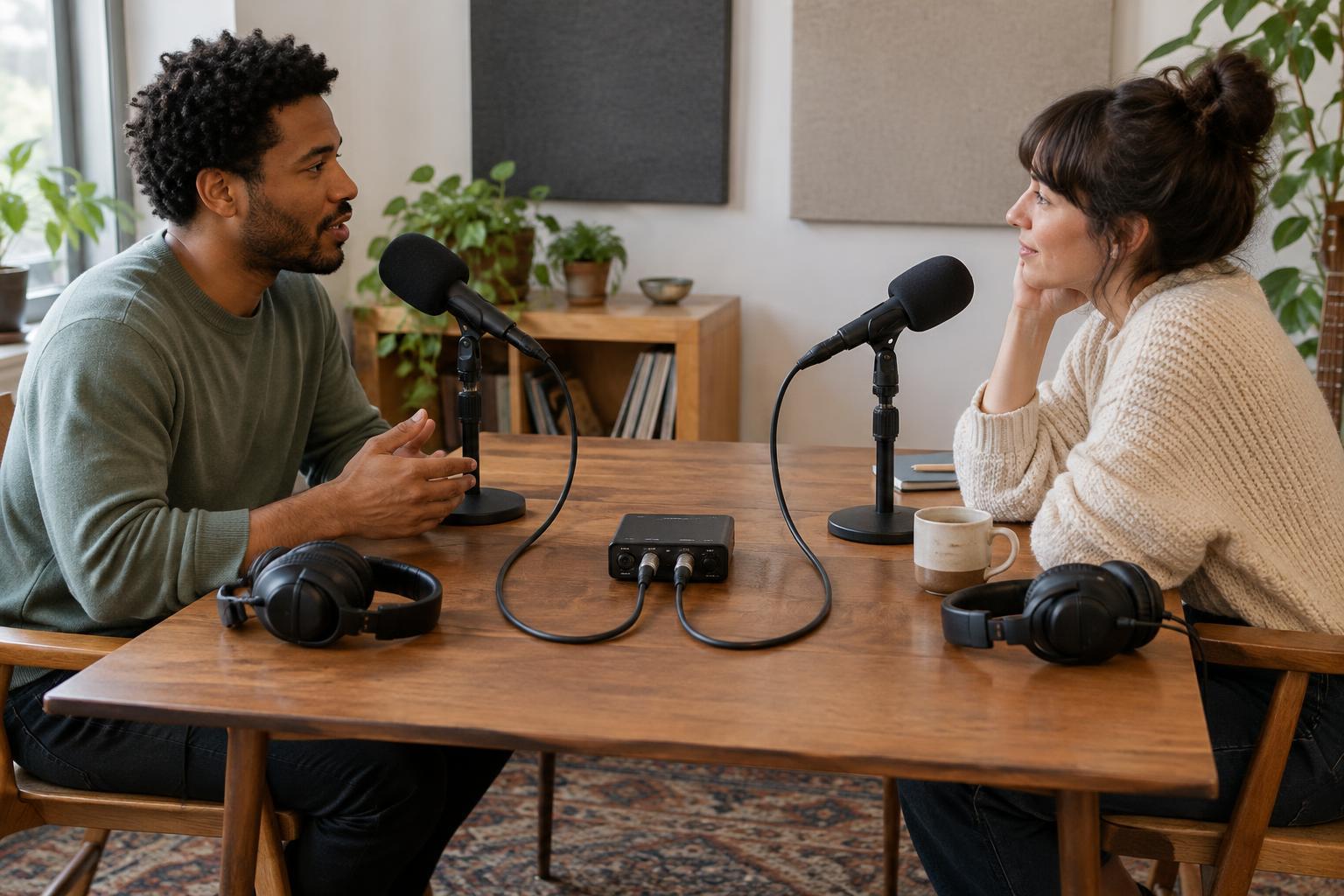
You need two microphones and a device that can record two inputs independently. One common setup uses two microphones connected to a two-input audio interface, with recording software on a computer. Another uses a portable recorder that supports two external microphone inputs and records them as separate channels or files. Check the device’s recording options before the session: having two input sockets does not always mean the resulting recording will be saved as two editable tracks.
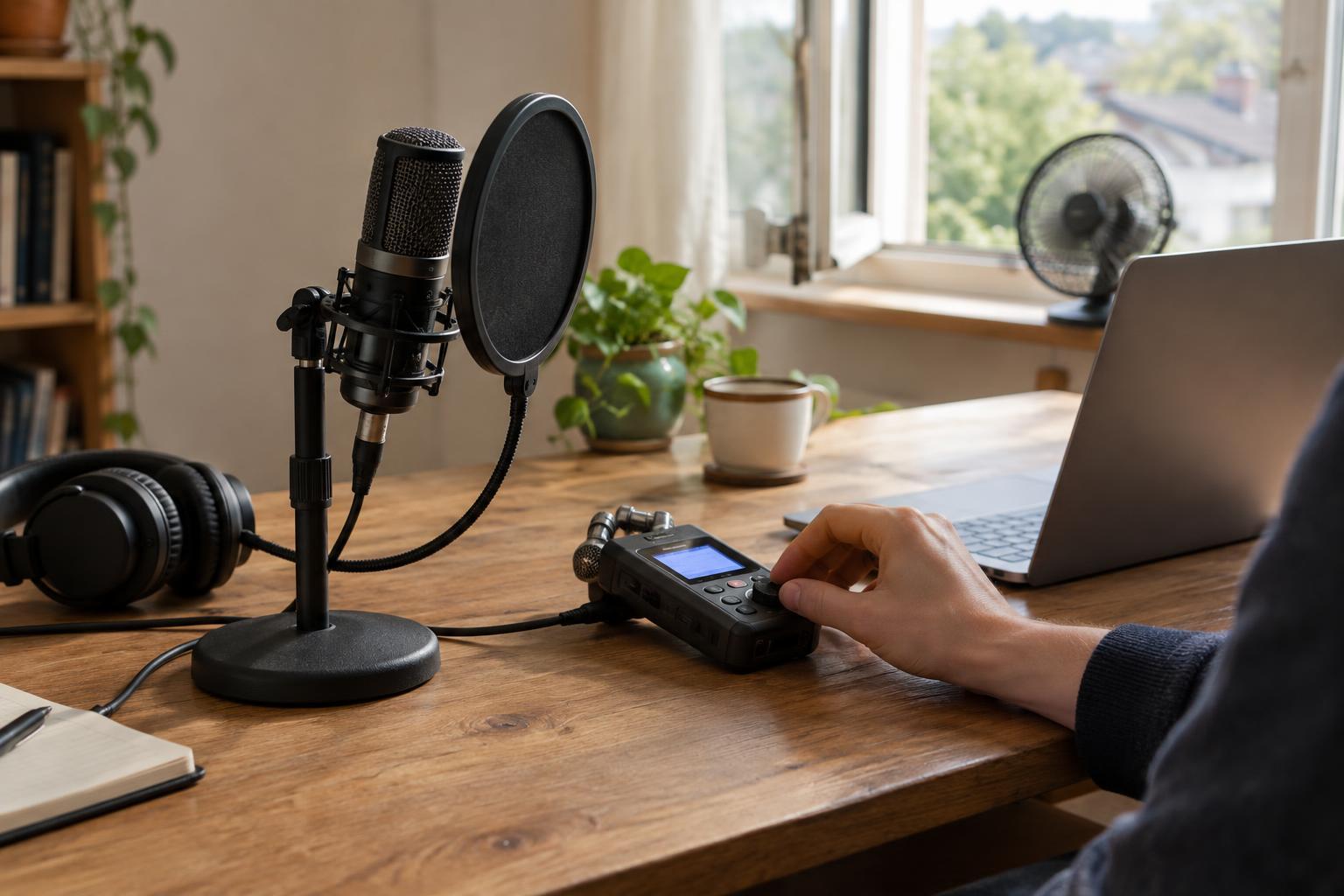
Microphones with close pickup, such as handheld or desk-mounted dynamic microphones, can be practical for a spoken conversation. Give each speaker their own mic and a stable stand or mount. You will also need suitable cables and, ideally, headphones for monitoring. Two USB microphones connected to one computer may work in some setups, but coordinating them can be less straightforward than using one interface with two inputs.
Place the microphones to favor each voice
Seat the speakers so they can talk naturally without facing directly into each other’s microphones. Place each mic fairly close to its speaker’s mouth, then ask both people to keep roughly the same distance as they talk. A consistent position often matters more than finding a perfect angle. If a speaker tends to turn toward their guest, adjust the mic position so it still picks up their voice when they do.
Choose a reasonably quiet room and reduce obvious reflections where you can. Soft furnishings may help tame a room that sounds hollow, while turning off a noisy fan may do more for clarity than changing a microphone setting. Keep the microphones away from a table surface that people are likely to tap. If headphones are in use, set their level low enough that playback does not leak back into the microphones.
Assign, test, and monitor both tracks
In your recording software, create two mono tracks. Assign input one to the first speaker’s track and input two to the second speaker’s track, then arm both for recording. On a portable recorder, select a multitrack or isolated-channel mode if it offers one. Name the tracks by speaker before you begin; clear labels make a long conversation much easier to navigate later.
Have each person speak at their normal conversational volume and then try a louder sentence or laugh. Set each input gain so the louder moments leave room before the meter reaches its maximum. If your device has an automatic level setting, check whether it changes levels in a distracting way; manual gain may provide a more consistent result when the speakers’ positions are steady.
Record a short test and listen to it through headphones, not just the device’s speaker. Confirm that each voice is strongest on its assigned track, neither track sounds distorted, and both tracks continue recording at the same time. A waveform on a screen is useful, but listening can reveal handling noise, hum, or an unplugged microphone more quickly. Repeat the test after any cable or settings change.
Keep the tracks usable through the edit
Once recording starts, avoid changing gain unless there is a clear problem. Pause to note any adjustment so you can account for it in the edit. If you are using two separate recording devices instead of one device with two inputs, make a sharp clap at the start to help line up the files later. Longer recordings from separate devices may gradually fall out of sync, so check alignment near the end as well.
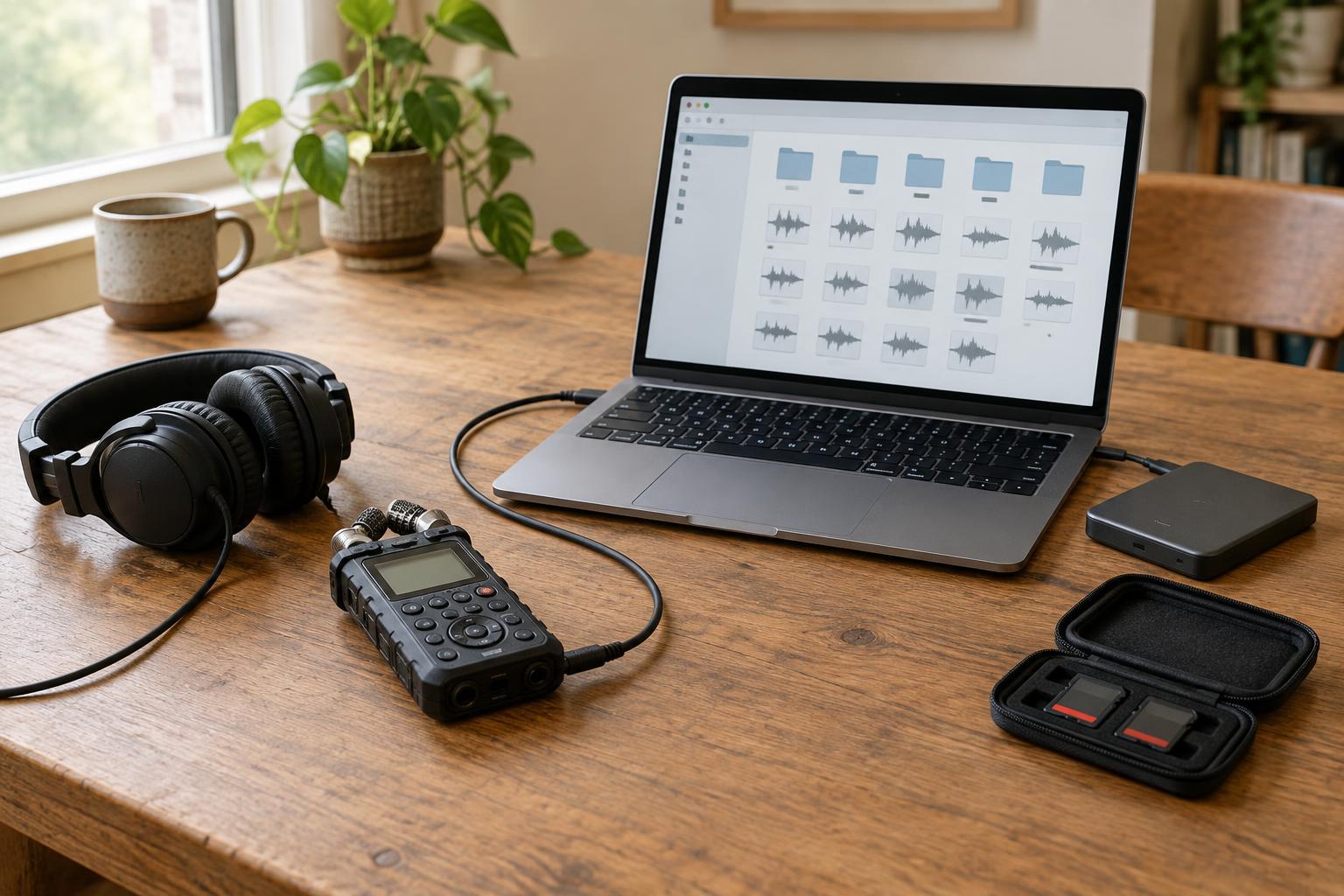
After the session, save a copy of the original recordings before editing. Work with the separate tracks to balance voices and trim unwanted sounds, listening carefully where one person’s voice spills into the other mic. Avoid cutting a track so abruptly that the room sound disappears between words. When the conversation sounds natural, export a mixed listening version and retain the individual tracks in case you need to revise the edit.