Start with a repeatable position
Clear speech begins with a position you can comfortably hold. As a starting point for a desk-mounted microphone, place it roughly a hand’s width from your mouth. That is not a rule: microphone design, speaking volume and room sound all affect the best distance. Record a short test at your normal speaking voice, listen through headphones, and adjust before committing to a long session.
Distance changes more than loudness. Moving closer often makes the voice sound fuller and brings it forward relative to room noise, but it can also exaggerate breath, lip sounds and low frequencies. Moving farther away may sound more natural, yet it lets more room reflections and background noise into the recording. The goal is not to get as close as possible. It is to find a spot where your words are intelligible and small movements do not dramatically change the sound.
Aim near the mouth, not into the airflow
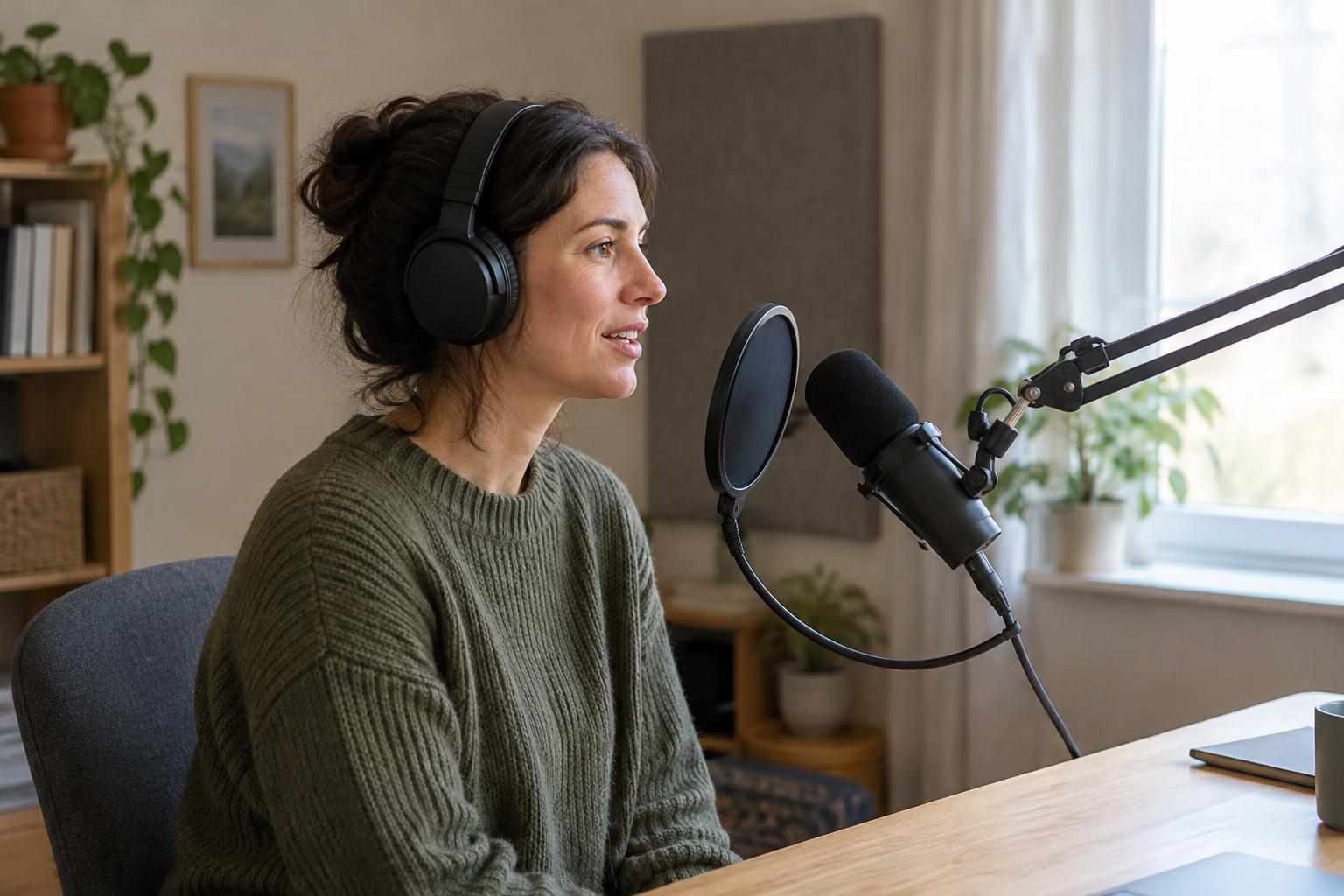
A microphone pointed straight at the center of your mouth may catch strong bursts of air on sounds such as “p” and “b.” Try positioning the mic slightly to one side and aiming it toward the corner of your mouth. You can also place it a little above mouth level and angle it downward. These positions keep your voice directed toward the mic while moving the strongest airflow past it rather than into it.
Start with a modest off-axis angle and listen for a balance between fewer plosives and clear consonants. Turning the microphone too far away can make speech sound dull, particularly if its pickup is directional. A pop filter can provide another layer of protection and act as a visual reminder of where to speak. It does not replace good positioning, but it can make a comfortable setup more forgiving.
Match the setup to the microphone and the room
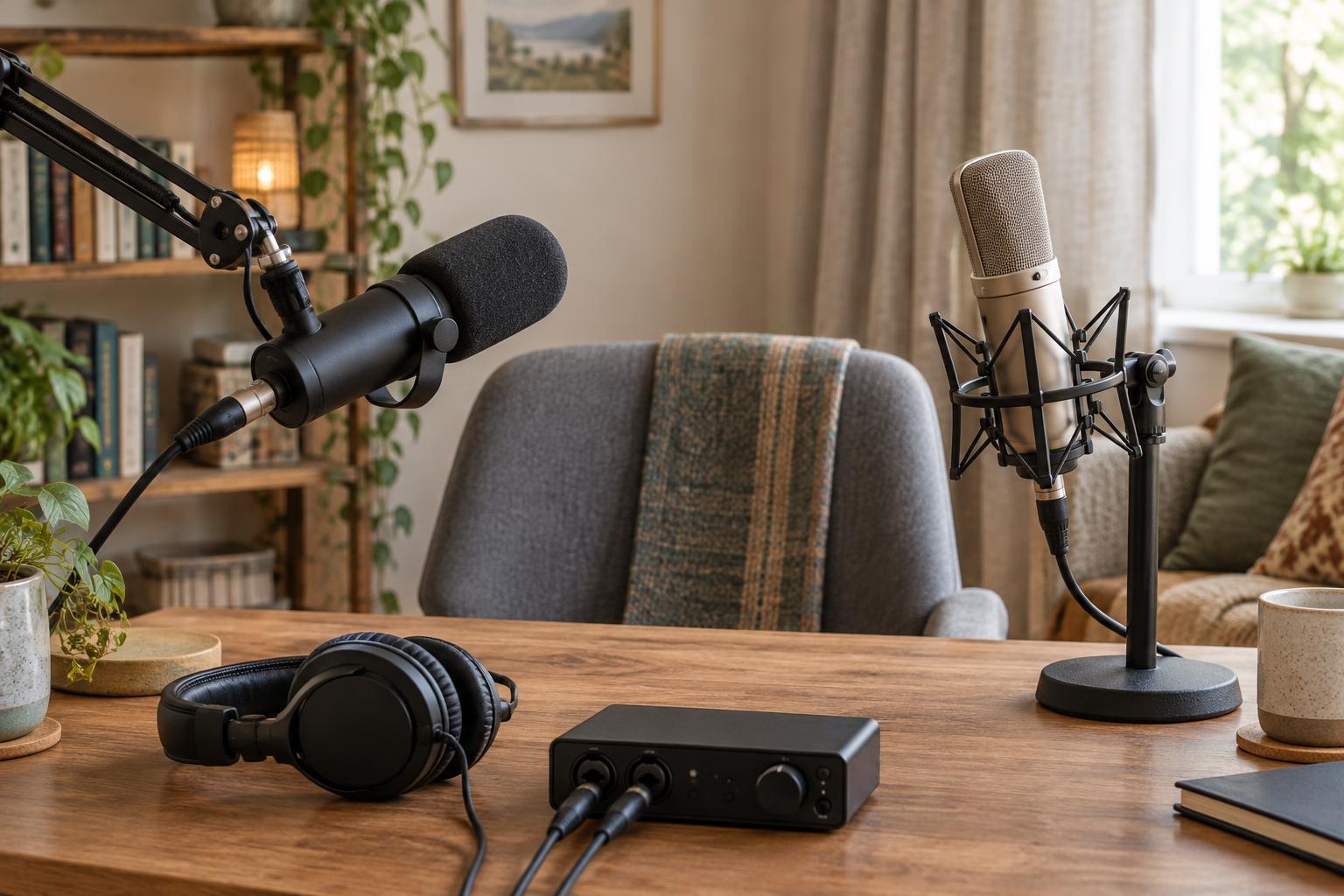
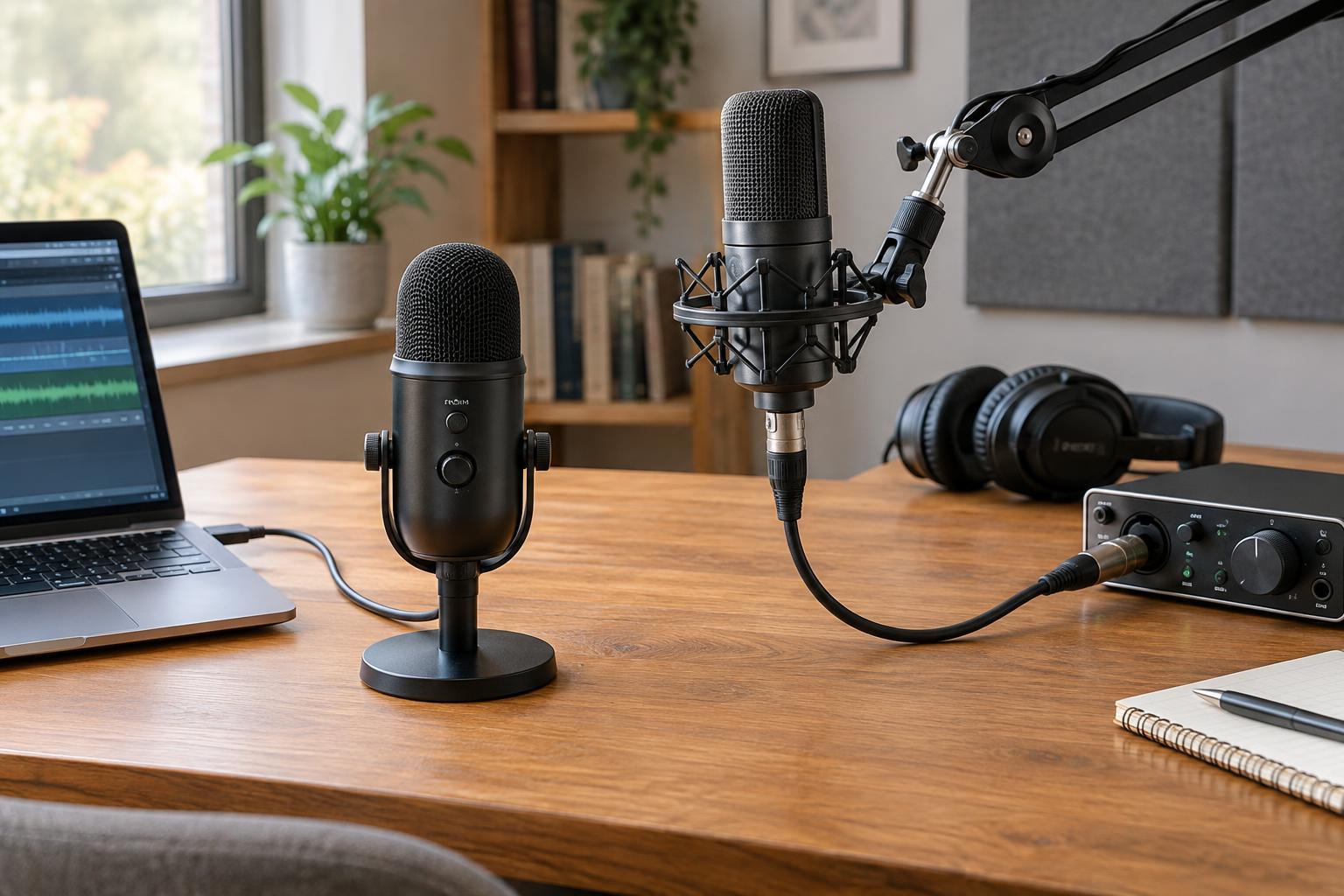
Microphones do not all listen in the same direction. If yours has a directional pickup pattern, check which side is intended to face you; speaking into the end of a side-address mic, for example, may produce an unexpectedly weak recording. Once you have identified its speaking side, keep that orientation consistent while testing distance and angle. Change one thing at a time so you can hear what helped.
The room matters too. If moving back makes your voice sound hollow or distant, the mic may be hearing more reflections from nearby walls and hard surfaces. Moving closer can improve the balance, provided breath noise remains manageable. Turning off avoidable noise sources and choosing a quieter spot can help more than trying to fix a noisy recording later. Listen to a few seconds of silence as well as speech to understand what the mic is capturing.
Keep your voice in the same place
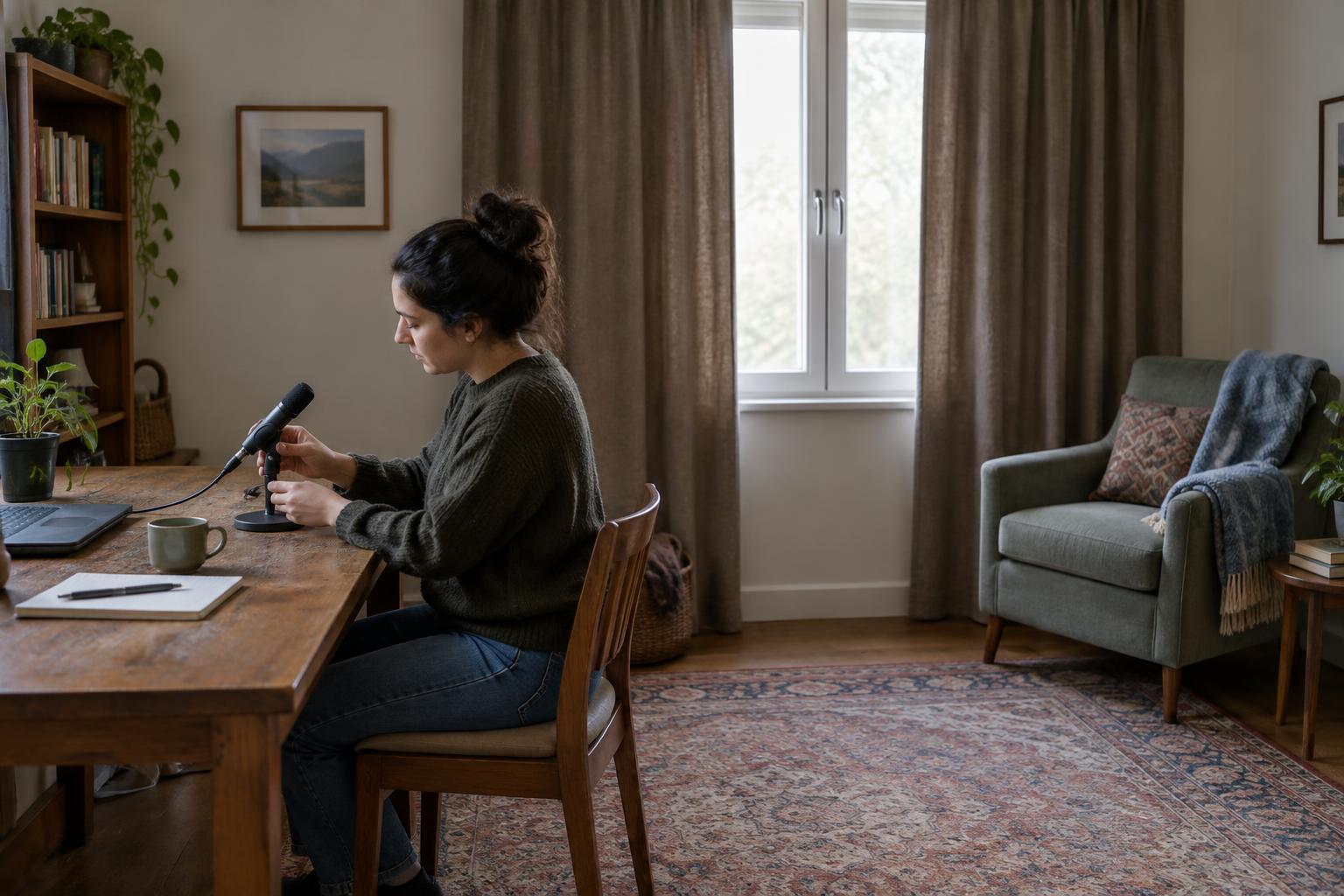
A good starting position only helps if you can return to it. Use a stable stand rather than holding a desk mic in your hand, and arrange your notes or screen where you can read them without turning away. If you gesture while talking, allow enough space to move naturally without bumping the stand. Make sure your chair and microphone are positioned so you can breathe and speak comfortably.
When recording a podcast introduction, narration or an interview question, imagine a small area in front of the mic where your voice should stay. Leaning back at the end of sentences or moving toward the mic for emphasis can create noticeable shifts in tone and volume. You do not have to sit rigidly; simply return to your usual position after a movement. If you pause to adjust your seat or notes, take a moment to settle before speaking again.
Test, listen and mark what works
Before recording the full piece, make a brief test that includes quiet speech, louder emphasis and words with strong consonants. Listen for plosives, uneven volume, muffled words and distracting room sound. If something is wrong, adjust the mic position and record the same passage again. Comparing short takes is more useful than changing several settings based only on how the voice sounds while you are speaking.
When you find a setup you like, note the microphone orientation, approximate distance, stand height and position of any pop filter. A simple reference makes it easier to record another segment later without an obvious change in sound. Good placement cannot guarantee a perfect take, but it gives you a reliable foundation and leaves you free to focus on what you want to say.