Start with the recording you want to make
A microphone is only one part of a recording setup. Before choosing between USB and XLR, picture a typical session: Will you record a solo podcast at a desk, interview someone in the same room, or take a microphone to different locations? Think about how much equipment you want to carry, how comfortable you are adjusting settings, and whether you expect your project to grow.
Both connections can produce clear spoken-word audio. Neither can compensate for a noisy room, a microphone placed too far from the speaker, or levels set poorly. The better choice is the one that helps you record consistently without making each session harder than it needs to be.
What a USB microphone keeps simple
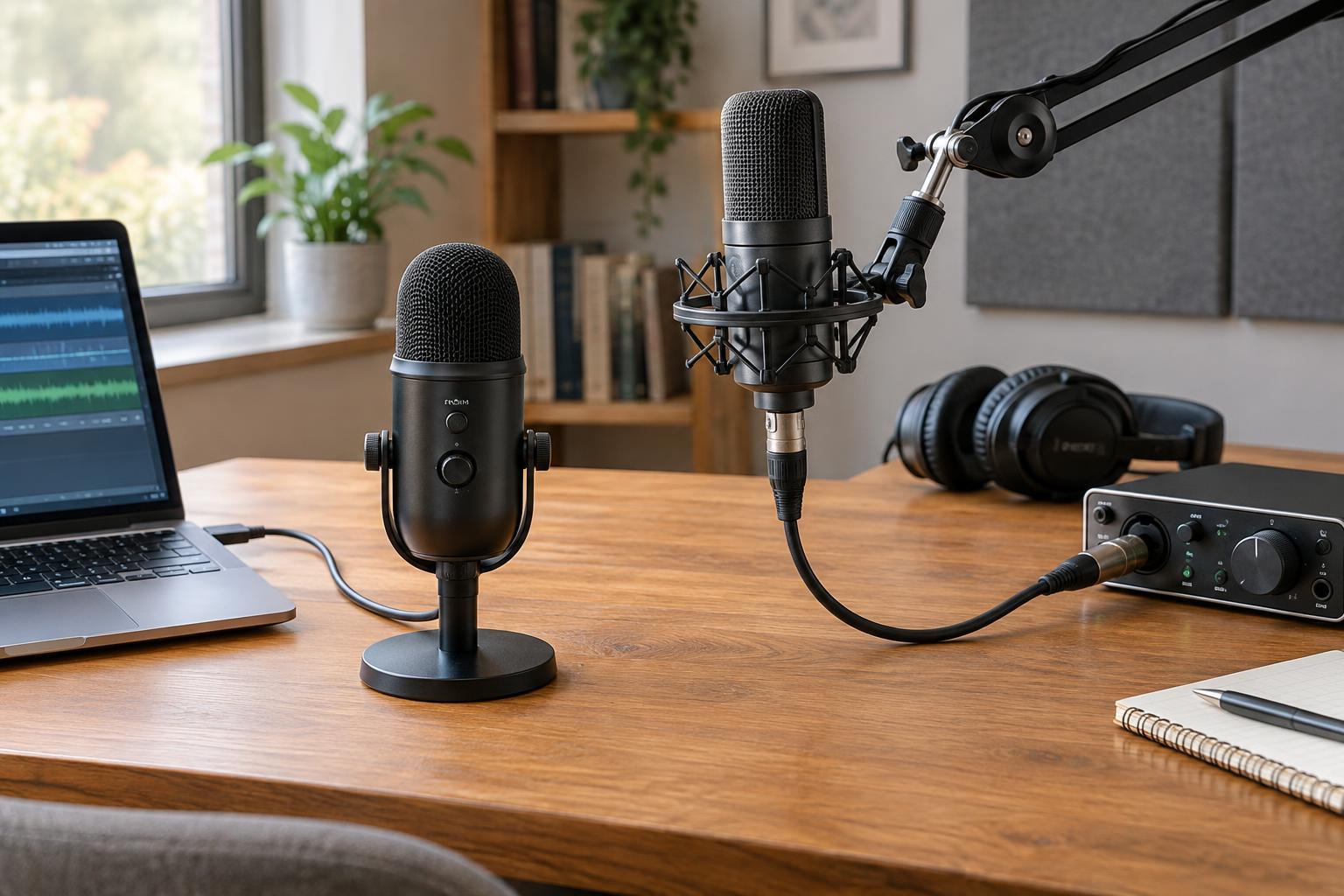
A USB microphone connects directly to a computer and handles the conversion from an audio signal to digital audio inside the microphone. For a solo creator, that can mean fewer cables and no separate audio interface to configure. It is a practical starting point for narration, a single-host podcast, or occasional voice recordings.
Check its controls before buying. A headphone jack for direct monitoring lets you hear your voice through the microphone, often without the distracting delay you might hear when monitoring through recording software. A physical gain control, mute button, and clear level indication can also make day-to-day recording easier. Features vary by model, so prioritize the ones you will use.
The trade-off is that much of the setup is built into one device. If you later want to change the microphone while keeping the same inputs and controls, a USB-only setup may offer fewer options. Recording several USB microphones at once can also be less straightforward than connecting several XLR microphones to one suitable interface.
What an XLR setup lets you change
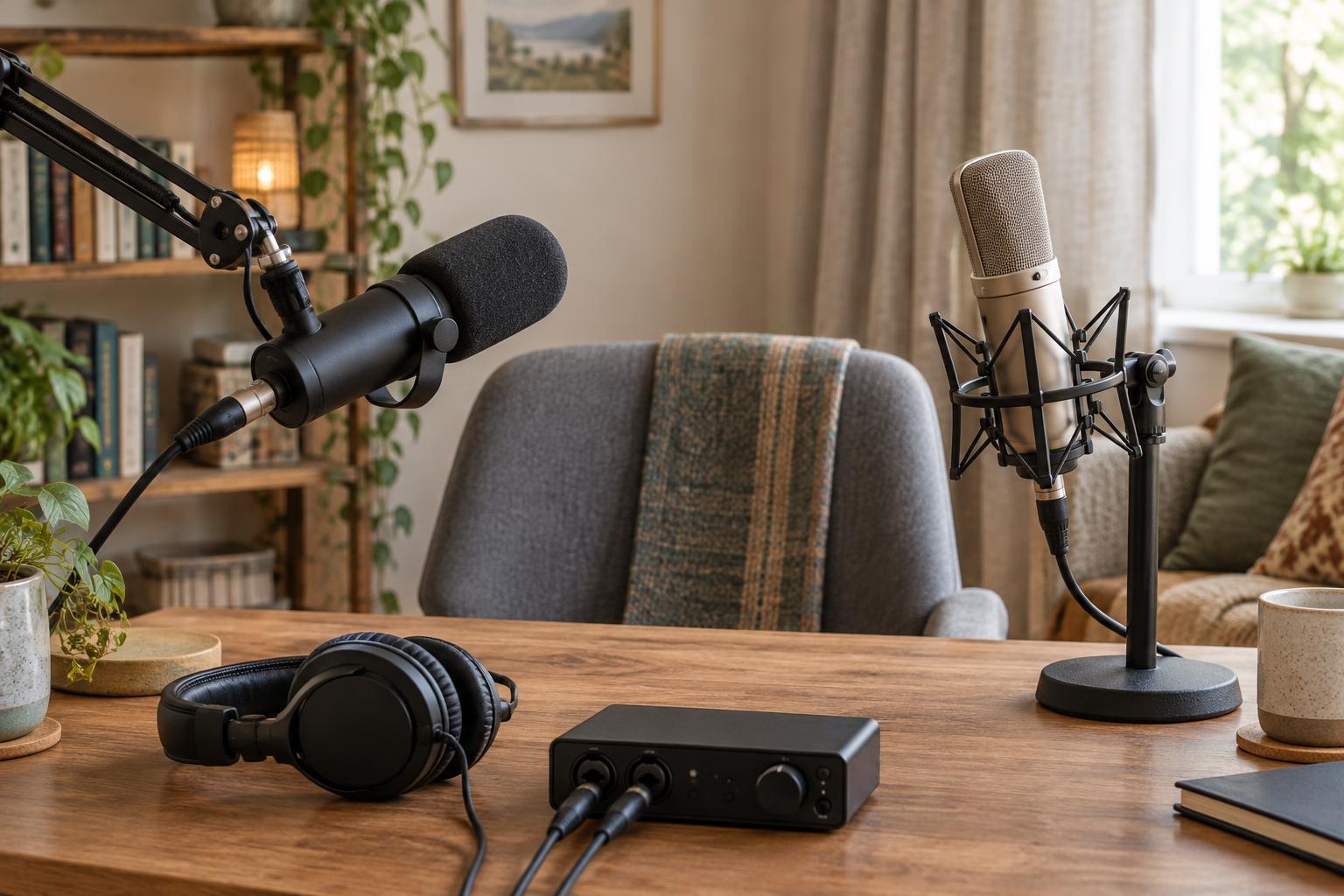
An XLR microphone connects by cable to an audio interface, mixer, or compatible recorder. That device supplies a microphone preamp and converts the signal for recording. It adds equipment and setup steps, but it lets you choose the microphone and recording device separately. You can replace one without necessarily replacing the other.
This flexibility is useful when recording multiple people in the same room. An interface with enough microphone inputs can give each speaker a separate track, making it easier to adjust levels and edit voices individually. Count the inputs you need before choosing an interface; a single-input model will not solve a two-person recording problem. Also check that the device offers the headphone monitoring and computer compatibility your workflow requires.
Some XLR microphones need phantom power, which a compatible interface or recorder can provide. Others do not. Check the microphone’s requirements rather than assuming every XLR model works with every input. Include the interface, XLR cable, headphones, and any stand or mount when comparing the full cost with a USB option.
Connection type is not the same as microphone type
USB versus XLR describes how the microphone connects, not how it picks up sound. You can find different microphone designs using either connection. A dynamic microphone is often a useful choice for close-up speech in a less controlled room, while a condenser microphone may capture more detail as well as more of the surrounding space. Actual results depend on the model, placement, speaker, and room.
Consider the pickup pattern, too. A microphone intended to favor sound from the front can help you focus on one speaker when aimed and positioned well, but it will not erase keyboard clicks or traffic. For a voice recording, try placing the microphone at a comfortable, consistent distance and slightly off-axis if breath sounds are a problem. Use headphones to listen for room echo, background noise, and changes in level before recording a full episode.
Small improvements to the space may matter more than changing connectors. Soft furnishings can help reduce reflections, and closing a window or moving away from a noisy appliance may clean up a recording. Make a short test in the place where you will actually work, then listen back rather than relying only on a meter.
Choose for today, with room for tomorrow
Choose USB if you mainly record one voice, value a compact setup, and want to spend less time connecting equipment. Choose XLR if you need several microphone inputs, want separate tracks for in-person speakers, or expect to experiment with microphones and recording devices over time. If your needs fall between those cases, some microphones offer both USB and XLR connections; check how each mode works before treating it as a substitute for a full multi-input setup.
Whichever route you take, build a repeatable recording routine. Check that the correct input is selected, set a level that does not distort on louder words, monitor a short test, and save a backup when practical. A modest setup you understand and use consistently is more valuable to a spoken-word project than a complicated one that slows you down.